Great editing is invisible. It guides the viewer's emotions, directs their attention, and establishes pacing without ever calling attention to the cuts. Whether you work in Premiere Pro, DaVinci Resolve, or Final Cut, mastering the fundamentals transforms your projects from amateur clips into cinematic stories.
The Fundamental Cuts Every Editor Needs
- The J-Cut & L-Cut: Leading the visual transition with audio creates seamless immersion and conversational flow.
- Match Cuts: Connecting two scenes through shared geometry, motion vectors, or audio hooks.
- Pacing & Rhythm: Cutting on action keeps visual momentum moving forward without jarring breaks.
DaVinci Color Grading Fundamentals
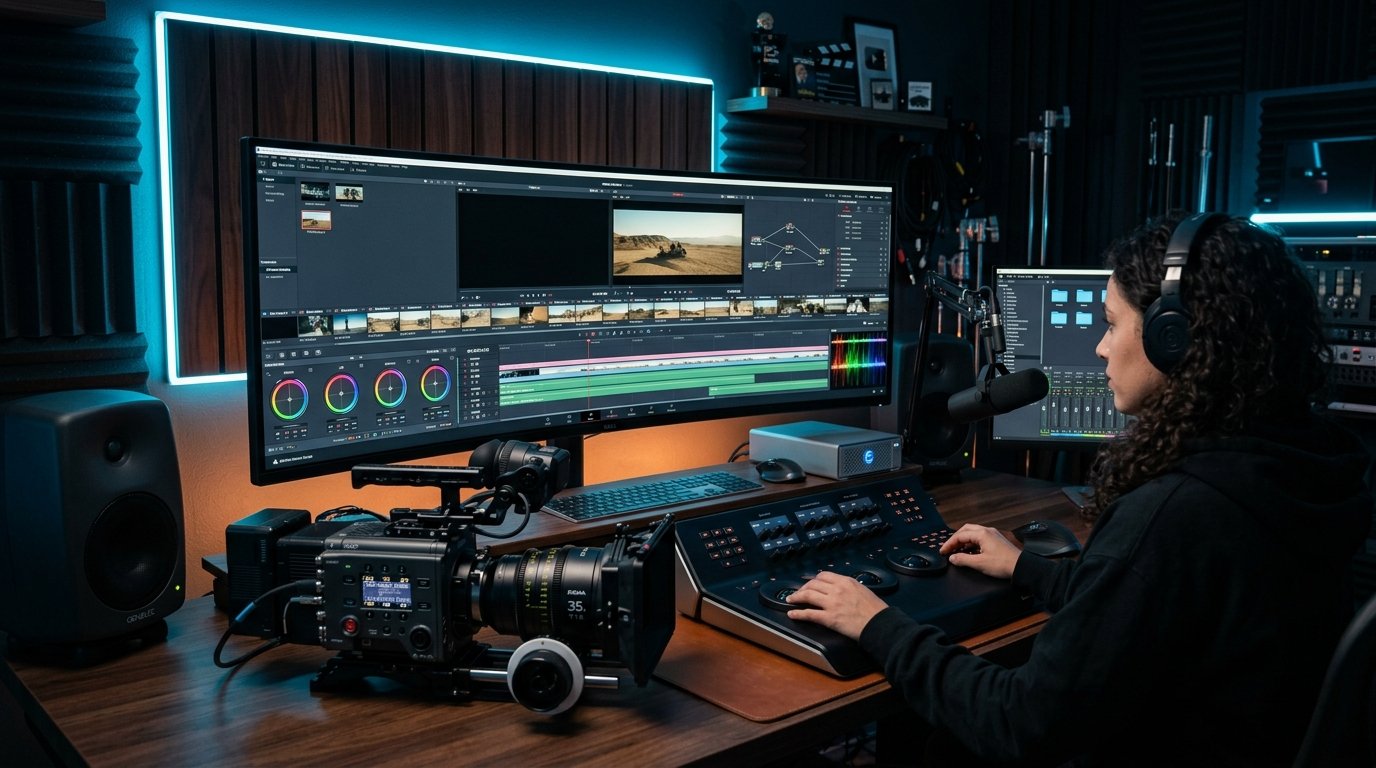
Color correction must always precede color grading. First balance your exposure, normalize skin tones, and correct white balance. Only after reaching neutral ground should you apply creative LUTs, split-toning, or cinematic film grain emulation.
Audio is Half the Picture
Audiences will tolerate mediocre visuals, but poor audio will cause them to click away instantly. Layer foley, ambient room tone, and subtle score swells to ground your video in reality.